> For the complete documentation index, see [llms.txt](https://boomi.markusschmidt.pro/llms.txt). Markdown versions of documentation pages are available by appending `.md` to page URLs; this page is available as [Markdown](https://boomi.markusschmidt.pro/boomi-console/installation/setup-a-workspace-and-connect/test-your-project.md).
# Test Workspace
Quick test everything's fine
Now, that the Workspace is connected, we do a quick test to ensure everything's working.
{% hint style="warning" %}
**Visual Studio Code**
From now on, we are going to use Visual Studio Code and its built-in console.
* [Download and install Visual Studio Code](https://code.visualstudio.com/Download)
{% endhint %}
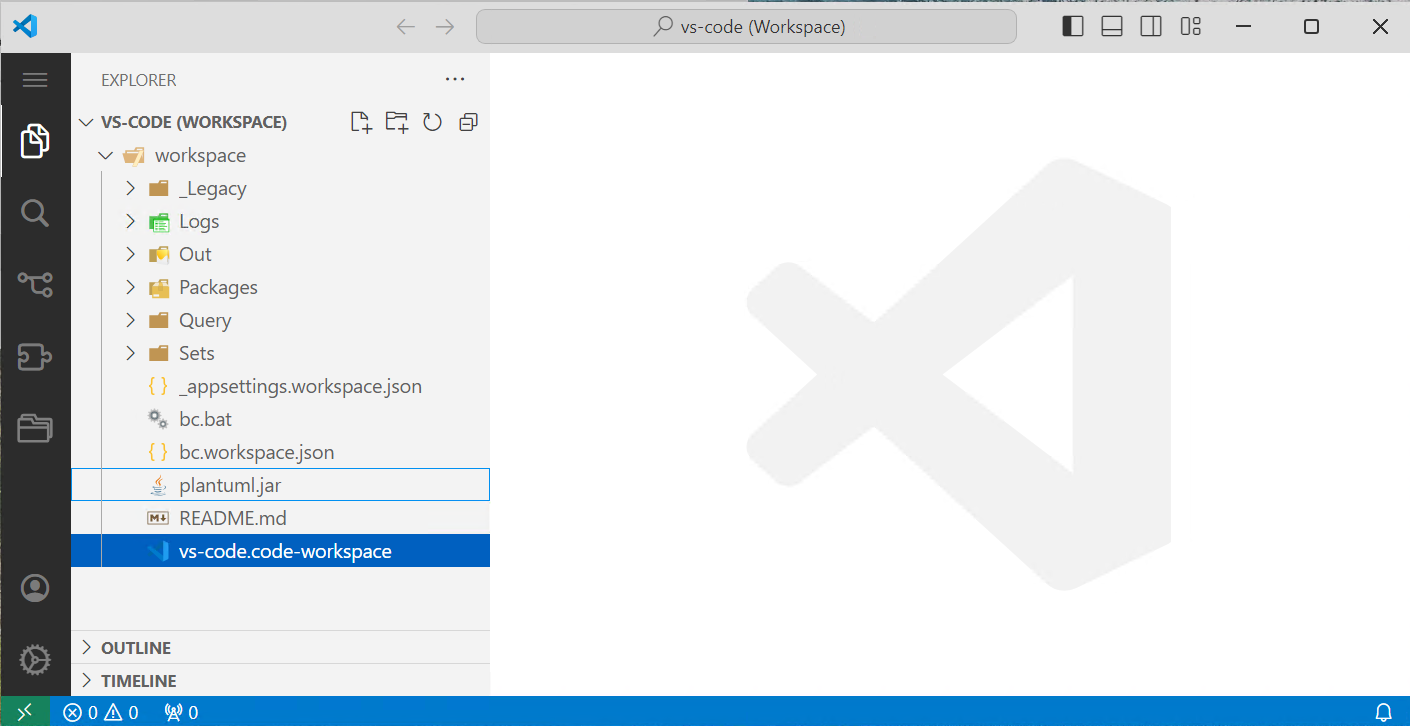
In your Workspace there is a `vs-code.code.workspace` file, and double-clicking this file will start Visual Studio Code.
The BoomiConsole Workspace, opened in Visual Studio Code
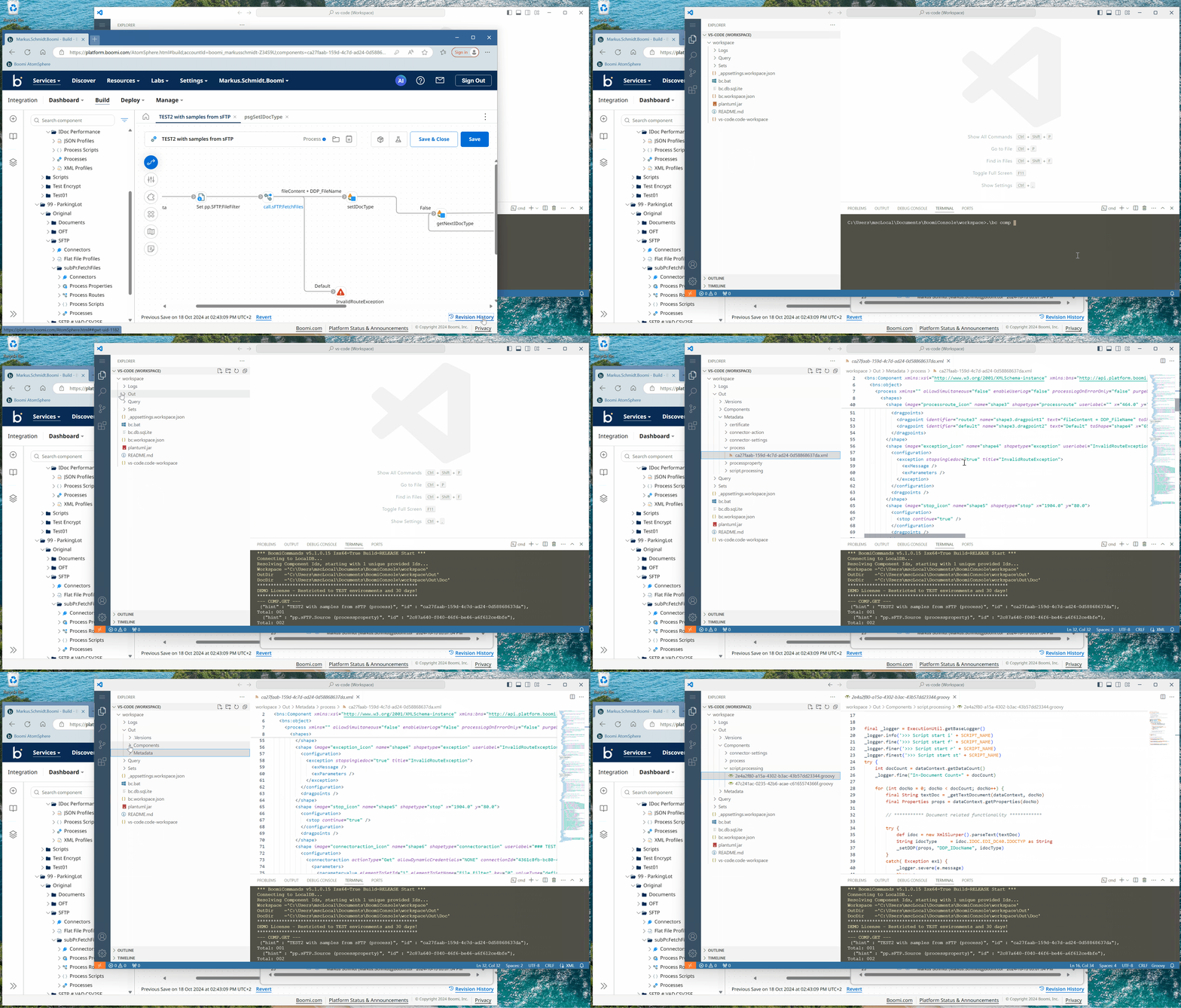
Let's **GET a CMOPONENT's metadata**
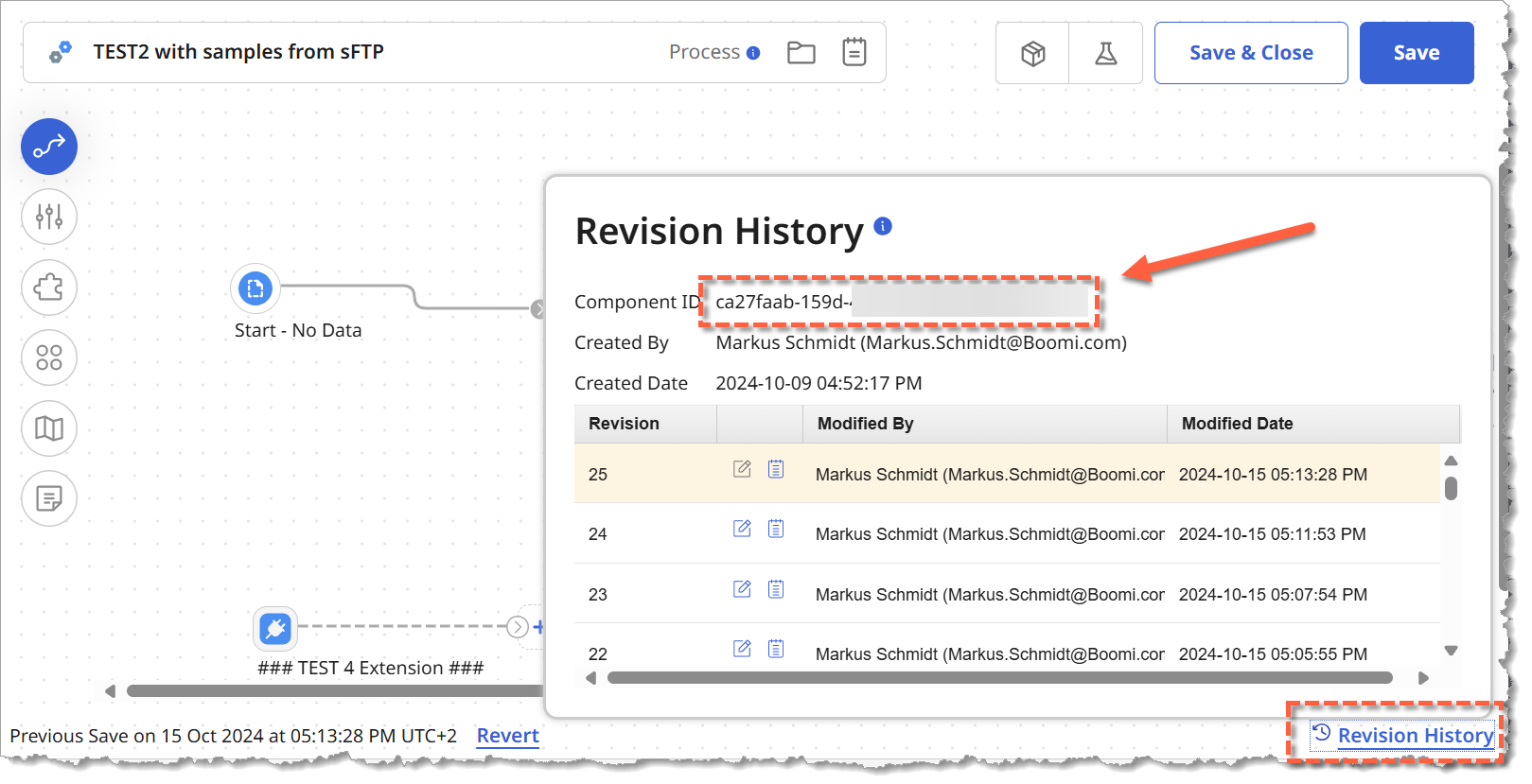
Go to your Boomi Repository and get the ComponentId of any Process which you want to test first:
Get a Process ComponentId
```batch
bc COMP GET /c ca27faab-{yourComponentId}
```