> For the complete documentation index, see [llms.txt](https://boomi.markusschmidt.pro/llms.txt). Markdown versions of documentation pages are available by appending `.md` to page URLs; this page is available as [Markdown](https://boomi.markusschmidt.pro/boomi-console/help-text/documentation-links.md).
# Documentation Links
All created Markdown documentation use a common link scheme for components:
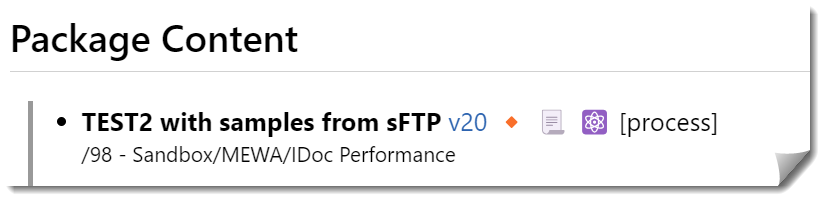
Component references - Link schema
* v4 Link to the component (j.STG.GetQuery.RES) version 4 in the Boomi repository.
* \[OPTIONAL]🔸Not the latest version\
The referenced component (v4) is outdated and not the latest version. Might occur with packages when (deployed) packages contain outdated versions.
* 📃Link to the component's (j.STG.GetQuery.RES) documentation Markdown.\
Use this to navigate through your documentation
* [⚛️](https://platform.boomi.com/AtomSphere.html#build;accountId=boomi_markusschmidt-Z34S9U;components=ca27faab-159d-4c7d-ad24-0d58868637da) Link to the current version of the component in the Boomi repository.